
WhatsApp BusinessAutomation
Order confirmations, delivery updates and catalogue questions get answered automatically, in Bangla and English, on the official WhatsApp Business API and the number customers already have saved.
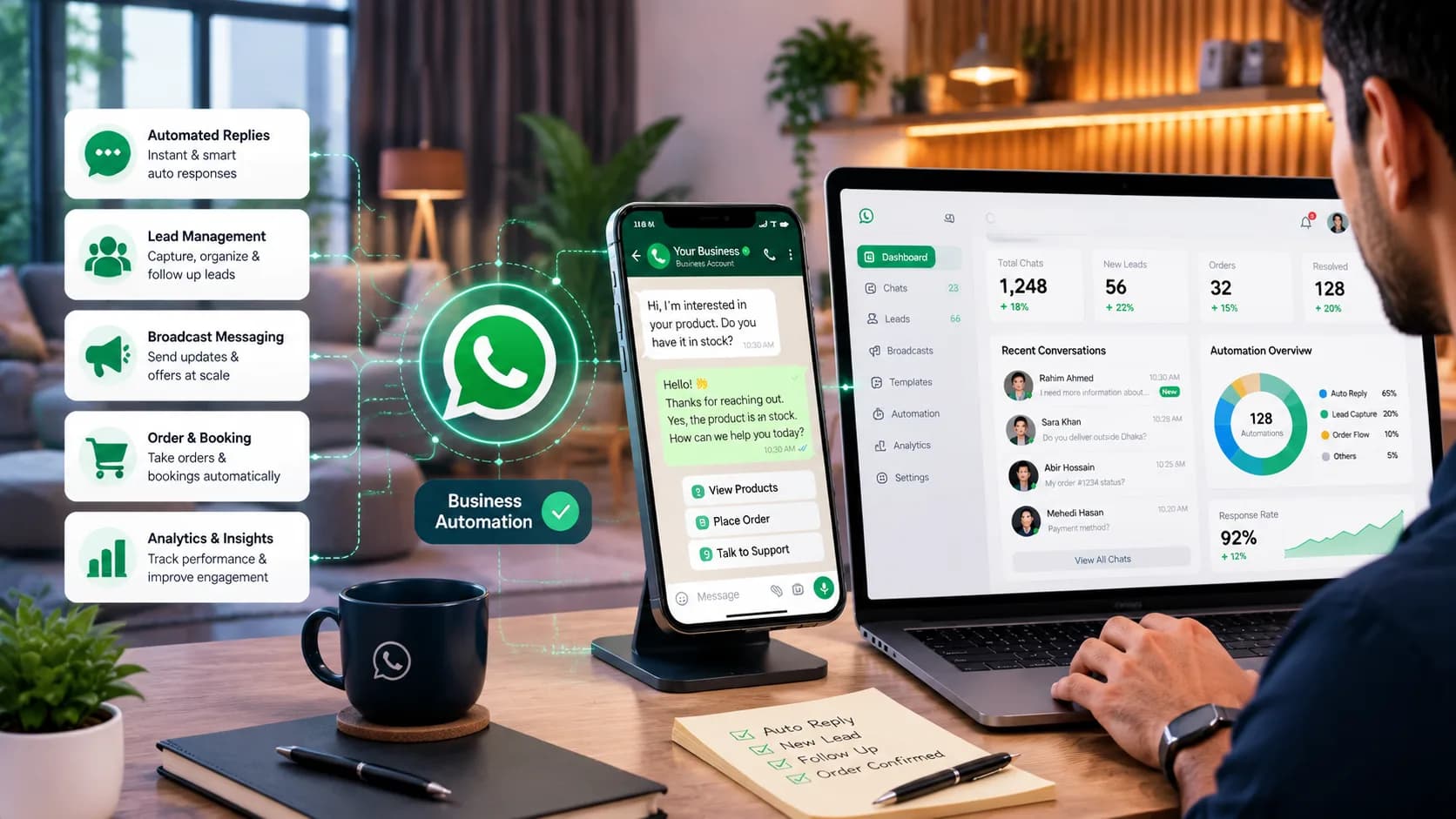
- Official Business API
- Bangla + English
- One Number, Many Agents
- Live in 2–4 Weeks
Shared Team Inbox
Your whole team works the same WhatsApp number without ever sharing a handset.
Automated Order Notifications
Confirmation, dispatch and delivery messages triggered straight from your order system.
AI-Assisted Query Handling
Price, stock, delivery area and payment method — answered without waking anyone up.
Automated Agent Handoff
Anything unusual moves to an agent with the whole conversation already attached.
Automate Your WhatsApp Business Messaging with AI
WhatsApp Business API automation links your business number to your own systems so messages get sent and answered programmatically. The free WhatsApp Business app tops out at one device and no automation; the API supports several agents on one number, event-triggered messages such as a dispatch notice firing automatically, and an AI assistant answering common questions directly. It runs on an approved business account, and every automated message template needs Meta's sign-off before it can go out.
Key Features of WhatsApp Business Automation
The website is rarely where the question lands first. It's a WhatsApp message at 10pm asking whether you deliver to Sylhet.
- Shared Team Inbox
- Several agents on one official number, with assignment, internal notes and a full history per customer — no forwarded screenshots, no lost thread when someone's on leave.
- Event-Triggered Notifications
- Order confirmed, payment received, parcel dispatched, delivery today — sent the moment your order system says so, with nobody typing them.
- Bilingual AI Replies
- Price, stock, delivery area and return policy, answered from your own product data, mixed Bangla-English messages included.
- Live System Integration
- Live order status from WooCommerce, Shopify or a custom platform, your ERP or a spreadsheet, and payment confirmation from gateways like bKash and Nagad.
- Conversation Analytics & Reporting
- Volume, response time, what the AI closed out and what it handed off — plus the questions worth adding to your catalogue.
Business Benefits of WhatsApp Business Automation
- 24/7
- Evening and holiday messages stop sitting unread until morning.
- 1st
- Not whenever someone next picks up the phone.
- ↓
- Proactive updates head off the single most common message you get.
- +
- Questions get answered while the customer still wants to buy.
Replies after closing time
A reply in seconds
Fewer 'where's my order' pings
More orders that actually complete
How Our WhatsApp Automation Process Works
Account approval is the step people underestimate, so we start there, not last.
Swipe to see all 5 steps →
Common Use Cases for WhatsApp Automation
Order status and delivery updates
Confirmation, dispatch and delivery-day messages sent without a single person typing them.
Catalogue and pricing questions
Availability, size, price and delivery area answered straight from live product data.
Payment confirmation and follow-up
A receipt confirming payment, or a polite nudge on an unpaid order, reference number attached.
Appointment and booking reminders
Confirmations and a day-before nudge that cut down on no-shows.
- E-commerce & Retail
- Logistics & Delivery
- Restaurants & Hospitality
- Healthcare & Clinics
- Education & Training
- Real Estate
- Financial Services
- Professional Services
How this might play out
A realistic, hypothetical scenario to show what changes — not a real client or a specific deployment.
Evening orders and delivery questions stack up on one personal WhatsApp number, and nothing gets confirmed until someone has a free minute — which is exactly when the kitchen is busiest.
Order confirmations and delivery updates go out the second the kitchen or rider system triggers them, menu questions get answered on the spot, and the evening rush stops burying one phone.
Frequently Asked Questions
01Do we need the official WhatsApp Business API?
For automation, yes. The free app can't run multiple agents on one number, send automated notifications from your systems, or run an AI assistant. API registration and verification are part of the project.
02Can we keep our existing WhatsApp number?
Usually. A number currently on the WhatsApp Business app can move to the API, though it can't run on both at once. We check your specific setup before starting anything.
03How much does WhatsApp automation cost in Bangladesh?
Two components: our build and setup fee, and WhatsApp's own per-conversation charges, billed by Meta and varying by conversation type. We show you both, with a monthly volume estimate, before you commit.
04How long does it take to go live?
Two to four weeks in most cases. Business verification and template approval sit with Meta and are the real variable, which is why we submit early rather than leave it until the end.
05Can it reply in Bangla?
Yes, mixed Bangla-English messages included — it replies in whichever the customer used.
06Can we send promotional messages to our customer list?
Only to people who opted in, using templates Meta has already approved. Unsolicited marketing is the quickest way to get a number blocked, so we set the opt-in flow up properly from day one.
07What happens when the AI cannot answer?
The conversation moves to your team with its full history attached, so nobody repeats themselves. You pick which topics — complaints, refunds, bulk orders — always go straight to a person.
Related services
- AI Chatbot & Customer SupportThe same assistant, now on your website and Messenger too.
- Bengali Language AISharper Bangla handling for a Bangla-first audience.
- AI Workflow AutomationAutomate whatever happens after the message is sent.
- E-Commerce Platform DevelopmentThe store your order status messages are pulled from.
- Social Media & Ad AutomationCatch the enquiries your ad campaigns generate.
- Custom AI AgentsLet it complete the order, not just talk about it.
Ready to Automate Your WhatsApp Business Messaging?
Talk with our AI experts to identify automation opportunities and build a WhatsApp solution that fits your business.